
Getting public electricity data from ENTSO-E
How to use the ENTSO-E Transparency Platform

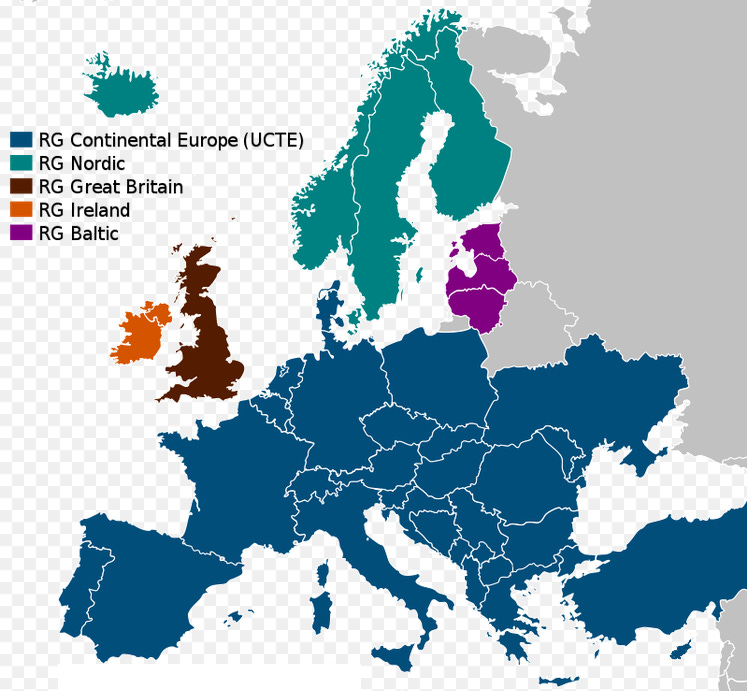
Most of the European continent is connected to the European Network of Transmission System Operators for Electricity (ENTSO-E). All the electricity generated or consumed within the ENTSO-E grids is logged in the ENTSO-E Transparency Platform.
Therefore, anyone can access and process this valuable data, do calculations, simulations and visualizations and fact-check any claims about what actually happens in the European public electricity grids.
Here is how to access this data:
1) Go to the ENTSO-E Transparency Platform.
2) Register for an account if you haven't.
3) Select Generation -> All Data Views -> Actual Generation per Production Type or go directly to https://transparency.entsoe.eu/generation/r2/actualGenerationPerProductionType/show.
4) Select Export Data -> Actual Generation per Production Type (year,XLSX). Save the file.
5) You can do the same with Total Load and each Cross-Border Physical Flow (Germany has 11, most other countries have less).
6) Remove unwanted rows and columns (e.g. headers, “n/e” sources…).
7) Merge your files by copying everything into the same spreadsheet.
8) If you don’t like Excel, copy & paste the data from Excel into a text file and then into Google Sheets (or directly from Excel into Google Sheets if it works) but make sure commas, dots and date formats are still the same*.
Congratulations! Your data is ready to be processed.
*A famous Excel joke says that for the optimist, the glass is half full; for the pessimist, it’s half empty; for Excel, it’s January 2nd.